 Dirt Rally was developed and published by Codemasters (Codemasters Software Company Ltd.) initially for the PC. Codemasters released an early access version of the game on April 27, 2015 via the Steam digital distribution service. The full version of Dirt Rally was released on December 7, 2015. The game is set to be released for PlayStation 4, Xbox One, and PC DVD on April 5, 2016.
After the early access release, Codemasters released several downloadable updates that included more tracks, stages, and cars. (I like timelines. If this kind of thing bores you, skip on down a little.)
- April, 2015 – The first patch came out quickly. The release was fairly smooth but there were a few bugs, including audio, daily online events, and instances of incorrect weather combinations.
- May, 2015 – Pikes Peak Pack was released. This added the world famous Pikes Peak rally track. Several bug fixed, most significantly a fix for the game hanging between stages. In the month of May, the game was actually patched twice, going from version .03.1 to .03.3. This was a big month as there were many fixes and improvements made in the game.
- June, 2015 – Tarmac Terrors was added as well as a major update, taking the game to version 0.5. This update, as the name implies, added 12 new asphalt stages at Baumholder, Germany to Dirt Rally. Five new cars were also added. The patches released in June fixed some save game errors, added a force feedback update, and squashed quite a few small bugs. This update also added support for a large batch of steering wheels.
- August, 2015 – The Rallycross Pack brought Rallycross racing to Dirt Rally, along with two new circuits, a pack of Rallycross super cars, a single player career and new online events. Later in August, the World RX Multiplayer Update brought Dirt Rally to version 0.7. This took Dirt Rally players to Hell, literally, in the form of a new World RX track — Hell, Norway. The update also included wet weather for all RX tracks, three new cars and a ton of other updates, improvements, and fixes.
- September, 2015 brought the Flying Finland release. Dirt Rally drivers headed to Finland with new stages and two new cars.
- November, 2015 featured the Modern Masters release, which was a whole new class of cars.
- December, 2015 – Codemasters called this the Winter Wonderland release. I think they’re referring to the addition of Sweden with its bumpy, icy, snowy stages. The final release (version 1.0) took place on December 7, 2015.
Since the final release in December, 2015, Codemasters has continued to lend excellent support to the game and the community. There have been a few patches which fixed bugs and made the game better overall. As of this writing, Codemasters have announced more new content coming to Dirt Rally in April, 2016, to coincide with the launch on PlayStation 4 and Xbox One. The new content includes more cars and twenty-one advanced rally driving video guides.

Thrustmaster T300RS GT Steering Wheel & Pedal Set
The T300 is a proven mid-range wheel with smooth belt-driven force feedback and a responsive brushless motor for clear track feel. An 11-inch leather wheel, solid three-pedal GT set, and PS5, PS4, and PC compatibility give racers the precision to brake later, hold tighter lines, and improve lap after lap.
Buy on AmazonAffiliate link • Ships fast from Amazon
Dirt Rally was developed using Codemasters own Ego Engine, a derivative of the Neon Engine that was used in Colin McRae: Dirt. The Neon Engine was developed by Codemasters and Sony using Sony’s cross-platform PhyreEngine. Ego renders more detailed damage and physics as well as large-scale environments.
You won’t need a monster PC in order to run Dirt Rally. The minimum system requirements are as follows:
- Operating System: 64bit Versions of Windows 7, Windows 8, Windows 10
- CPU: AMD FX Series or Intel Core i3 Series
- RAM: 4GB RAM
- Graphics Card: AMD HD5450 or Nvidia GT430 or Intel HD4000 with 1GB of VRAM (DirectX 11 graphics card required)
- Storage: 35 GB HDD
Codemasters recommends the following specifications:
- Operating System: Windows 7 or 8.1 64bit
- CPU: AMD FX-8150 or Intel Core i5 4670K
- RAM: 8GB RAM
- Graphics Card: AMD R9 290 or Nvidia GTX780
- Storage: 35 GB HDD
I run the simulation on a seven year old desktop PC with 16 GB of RAM and an Nvidia GEForce GTX-660 graphics card. I have seen no glitches and encountered no stuttering.

Logitech G920 Driving Force Racing Wheel & Pedals
This serves as a no-nonsense entry into realistic driving. Dual-motor force feedback delivers honest steering weight and road detail, while the sturdy floor pedals offer progressive braking and smooth throttle. Stainless steel paddle shifters, a leather-wrapped rim, and a full 900-degree rotation create a setup that earns its spot on your rig without needless extras. It works cleanly with Xbox Series X|S, Xbox One, and PC.
Buy on AmazonAffiliate link • Ships fast from Amazon
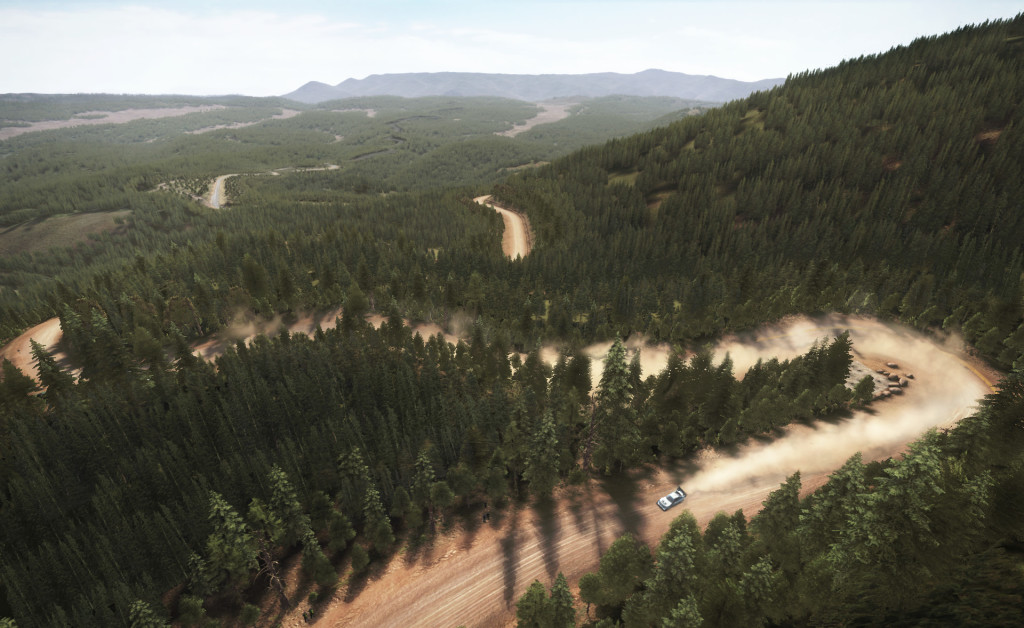
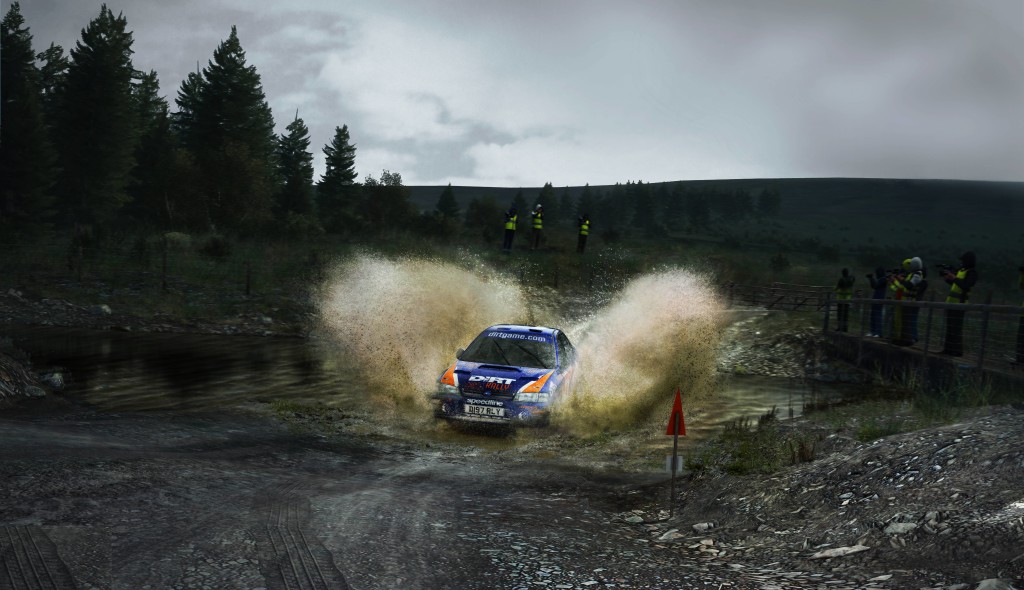
The best thing to do is load the game and look around at the scenery. Take a leisurely drive in one of the cars, if you can resist the urge to punch it. The scenery is stunning, particularly in the beautiful Finnish countryside. I’ll admit I only catch glances of the environment, but it’s the best I’ve seen in any racing simulation to date. The water splashes, the mud, the ice and snow, the trees and the wide open vistas are all magnificent.
Codemasters emphasized a strong desire to create a simulation with Dirt Rally, and they have done just that. It’s one of the most difficult racing simulations I’ve ever tried, and that makes it all the more interesting. If you want to get good at Dirt Rally, you will have to sit down and put some hours into it.
On the flip side, the car setups aren’t difficult. When you start out, you only have access to basic settings. As you unlock more achievements, you’ll gain access to more complex car configurations, but even then they remain fairly straightforward. You can also find some setups in the Steam Community Workshop.
Dirt Rally is the best rally game Codemasters has produced in at least ten years, and probably their best game ever. It’s definitely the best rally simulation since the lauded Richard Burns Rally which was produced by Warthog Games.
There are no showboating simcade type scenes in Dirt Rally. From the first stage, you grit your teeth and open the throttle and drive hard. It’s tough. It takes time to get good at this simulation, as it should. Learn the limits of the car you’ve chosen, and push it to the limit.
Difficult racing simulations are rewarding. Dirt Rally makes you drive your ass off for every fraction of a second in each stage. You will struggle, and, in time, you will get better. I’m still struggling.
The wheel control feels great. I clicked Logitech G27 in the settings, then clicked over to advanced wheel settings. I calibrated the wheel and pedals. After driving it for a bit, I decided that the steering wasn’t sensitive enough. I played around with the steering saturation setting, and ended up setting it on 55 out of 100. That’s the only thing I changed after getting everything calibrated, so that’s the sum total of my Logitech G27 wheel settings for Dirt Rally.
I tried the force feedback in the game for a while and found it to be excellent. I normally run racing simulations with the force feedback turned off via the Logitech Profiler in Windows because I think it helps me be smoother. I only run about 35% centering spring to center the wheel. After testing the force feedback for a while, I decided to turn it off in Dirt Rally as well. I saw no problem with it whatsoever. It’s just a personal preference.
The only real criticism I have of this simulation is the co-driver calls. If you set them for normal, they sometimes come a little too early. If you set them for later, they often come too late, and that can be disastrous. Some may have better luck with this than I have. I’m not getting any younger. My reaction time isn’t quite what it used to be, and neither is my hearing.
Dirt Rally vs Real Life in a Ford Fiesta
Dirt Rally features a whole new generation of graphics and a physics model completely rebuilt from the ground up. All in all, Dirt Rally is a great simulation. It’s not for the weak or timid. If you are ready to grip the wheel and grit your teeth and drive your ass off like you never have before, I advise you to purchase the digital download today. I can assure you that you will be making a sound decision.
Leave a Reply