This post will show you how to compete in iRacing Time Trials, and how to view your Time Trial statistics.
How to Run a Time Trial
iRacing Time Trials offer several benefits:
- Improve your safety rating.
- Practice running consecutive clean laps.
- Compete against other drivers in the iRacing Time Trial competition.
How do you run an iRacing Time Trial? It’s quite easy as you will see.
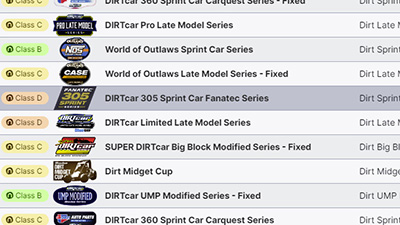 First, decide which car/class you want to use for your Time Trial. In this example, I’m going to use the Dirt 305 Sprint Car series.
In the iRacing UI, select the series from the Series Page (Go Racing | Series List).
You will then be presented with the Series Session Page, shown below. This page only prominently displays the Practice and Race Sessions. We want a Time Trial so we have to look on the bottom right.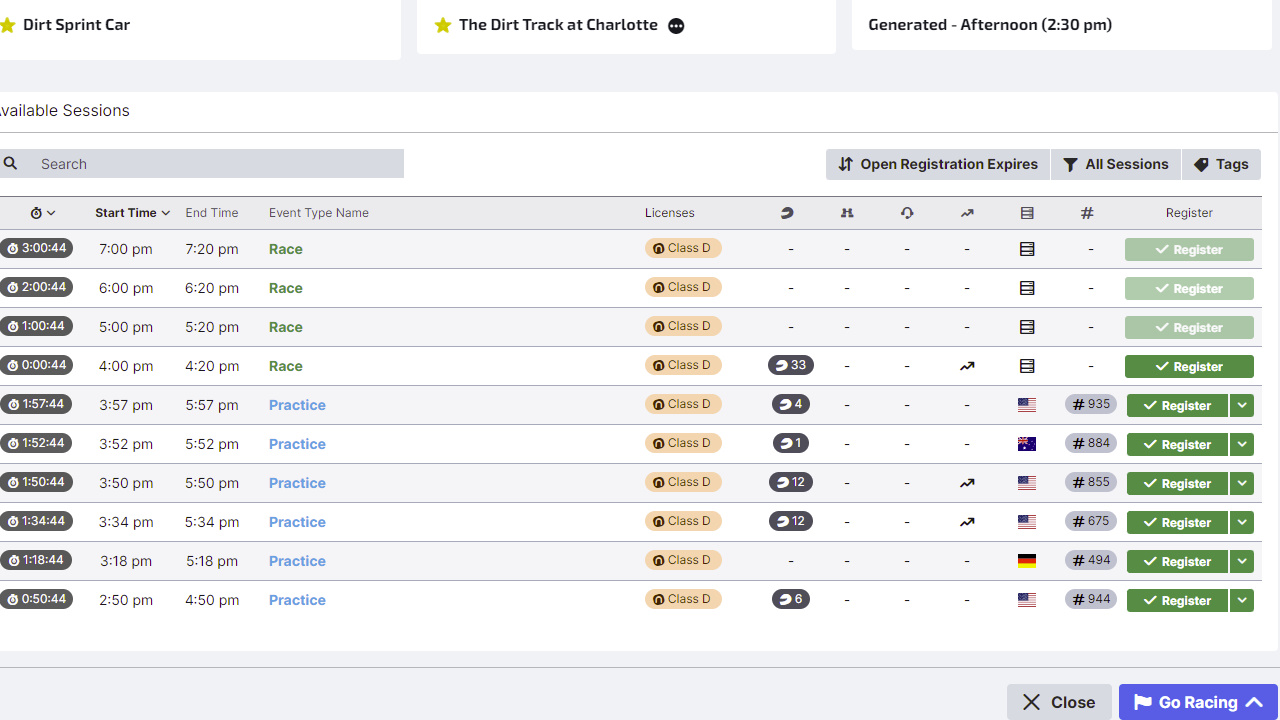
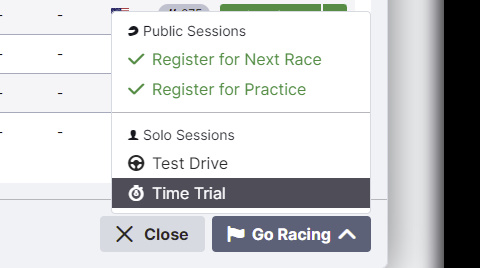 Click the Go Racing button. You will then be presented with a new menu from which you can select Time Trial.

You will be registerd for your Time Trial. You may have to wait as long as two minutes to join the server. you will see something similar to this image on the upper right side of the page. In a moment or two you will be able to click run, load the simulator, and run your iRacing Time Trial.
How to view your Time Trial statistics.
You can view Time Trial Statistics on the iRacing Member Website, or in the iRacing UI. I explained the method for viewing statistics on the website in another article, so I’ll focus on the User Interface here.

Next Level Racing Wheel Stand 2.0
Master your laps without dominating the room. The Next Level Racing Wheel Stand 2.0 stands rock-solid for direct-drive wheels, yet folds away in seconds when real life calls. Full adjustability for wheel, pedals, and shifter lets a man settle into his proper position the honest way. A clever chair cradle keeps your seat planted under hard braking, while predrilled mounts welcome Thrustmaster, Fanatec, Logitech, and the rest. Upgrade later to a full cockpit with the GTSeat add-on. Serious performance, sensible footprint—no compromises required.
Buy on AmazonAffiliate link • Ships fast from Amazon
The image below is from the Series List page. In the menu at the top, select Series Stats.
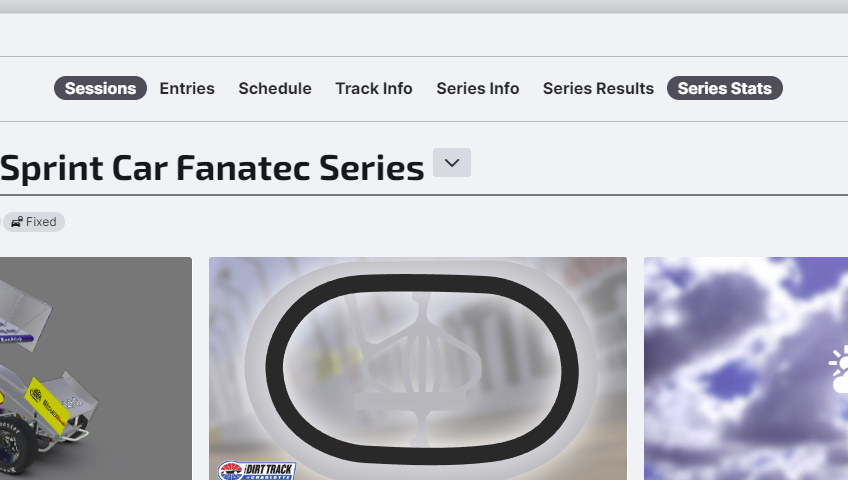
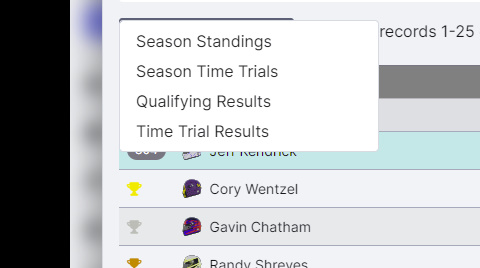 On the Series Stats page, you can select your desired stats from the drop-down menu. We want to select Season Time Trials.
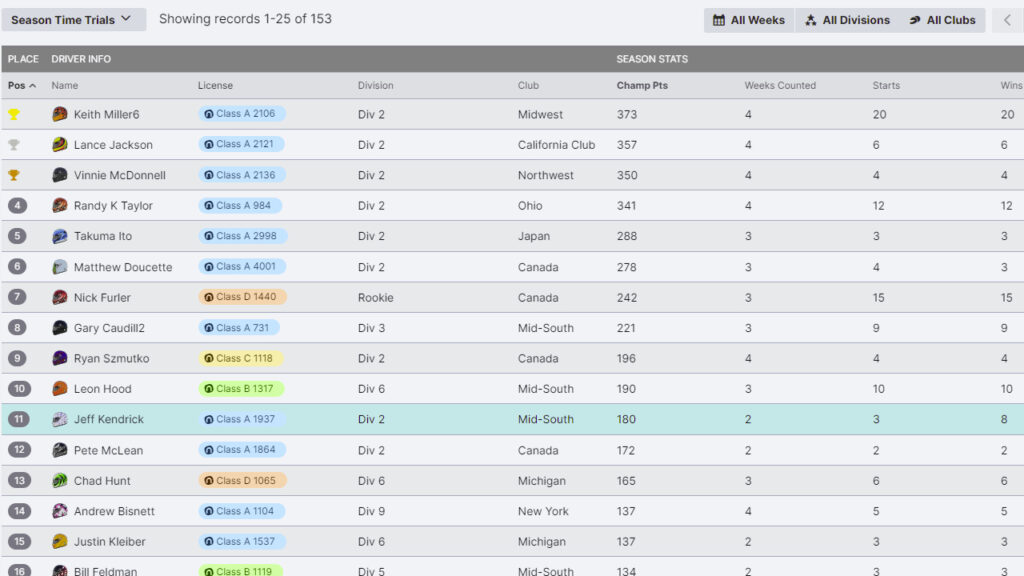
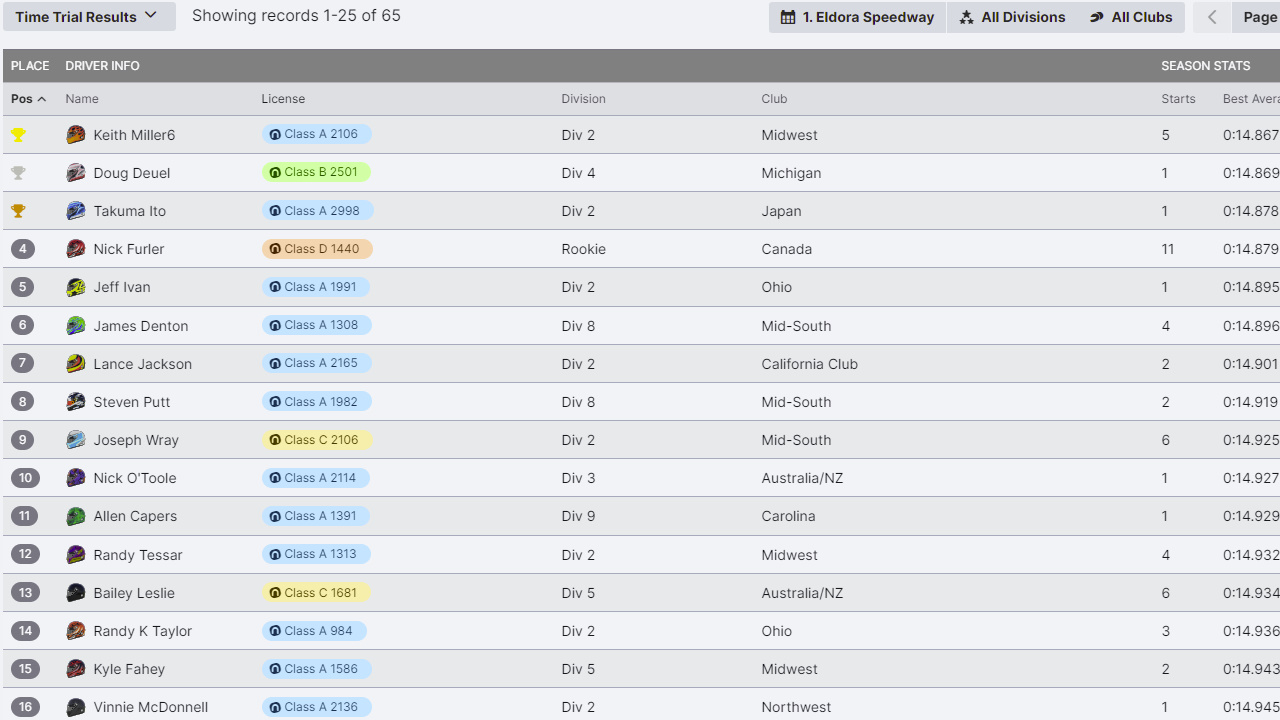
You will see this page when you select Time Trials.
If you’re looking for safety rating, you need to run the full 30 minute time trial to get the most benefit. How much will you gain? That is based on many different factors so I can’t really answer that question. If you run clean laps for the full 30 minutes, you can expect to gain a significant amount of safety rating.
If youare looking to compete in the Time Trial competition, you will need to run the track until it is in optimal condition for fast laps (on dirt). Reset, and start at that point. Go out and hit your marks and run a good line for at least 10 laps. I would suggest about 15 laps, but it varies widely based on the car. In fixed setup Sprint car series, you want to run the car until the fuel is low so you can get faster laps. On asphalt, fresh tires are going to get the best time, so you will be good right off after each reset.
Enjoy!
You can also watch my iRacing Time Trial video!
Leave a Reply